Smart Home Listing Photos That Still Feel Warm
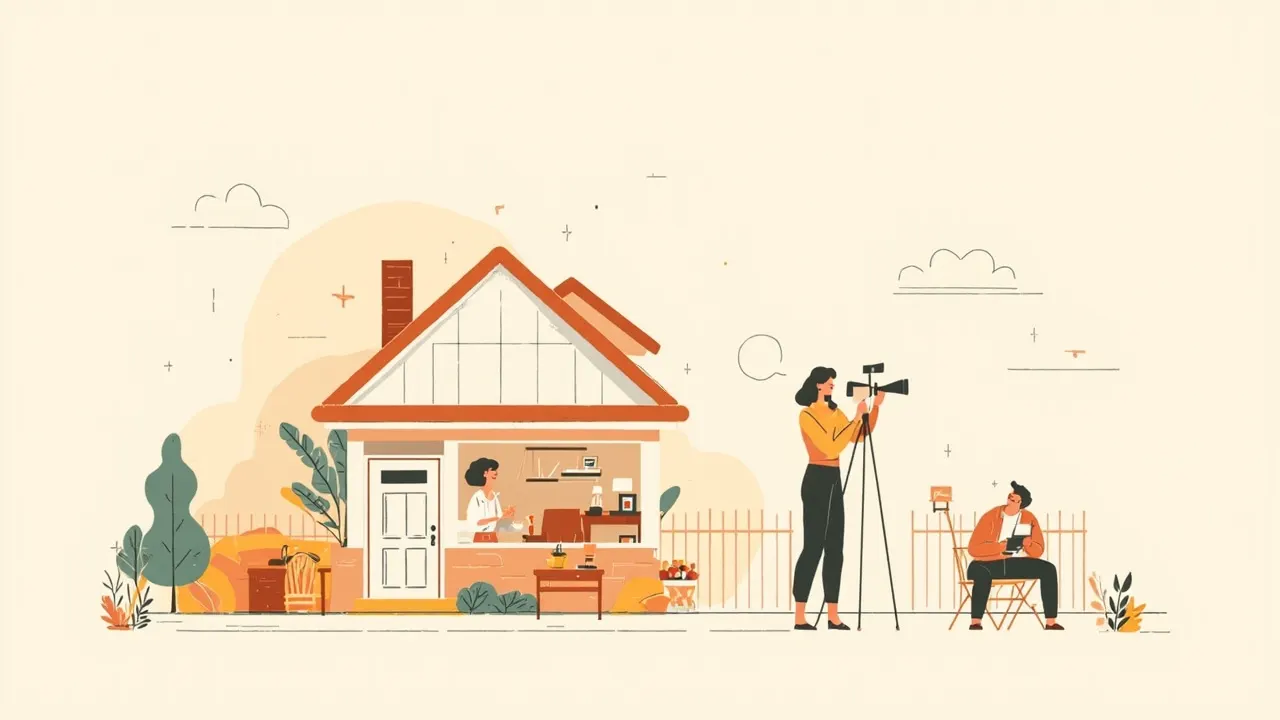
You walk into a living room and the lights come on at a comfortable level. The shades are half lowered, the thermostat is glowing, and a small speaker sits on a shelf. It feels useful. But if the first listing photo is mostly a touchscreen, hub and control panel, the room can start feeling like a gadget showroom instead of a place someone wants to live.
Smart home listing photos have a narrow job: show how the technology supports the room, then get out of the way. Buyers are trying to judge light, space, flow and daily comfort. The hardware matters, but only in context. A thermostat should be easy to notice, not dominate. A keypad belongs near the entry, not in every room.
Photograph the benefit first
Start with a normal wide shot of the room. If automated shades control glare, let the room be bright without harsh patches. If the lighting system changes the mood, show the whole space at its most inviting setting. For a smart lock, the relevant story is easy entry, which belongs with the front door or entry photo.
- Lighting: Show the full room with the lights on and daylight balanced. Avoid close-ups that turn the main image into a lighting demo.
- Shades: Leave them partly open when the view adds value. A fully closed shade can look like the feature failed if buyers cannot read the room.
- Thermostats and controls: Include one readable detail after the room has been established. Hide wires and extra remotes, but do not remove a control that is part of the home's design.
- Speakers and displays: Keep them in their real setting. A speaker on a credenza should look like part of the room, while a wall display needs enough detail to identify its purpose.
- Security: Show a panel or camera as a secondary detail, and make sure any displayed information does not reveal private details.
Keep the technology in the background
Smart devices can make a room feel cold when everything is spotless, evenly spaced and competing for attention. A few ordinary touches help. Put a book beside the speaker, leave a mug near the coffee table or keep a throw on the chair. This is not about making the home look messy. It is about showing that the room is meant to be used.
Before the shoot, check the light settings. Some bulbs can look blue or clinical next to daylight, and a screen can look harsh against warm wood and fabric. Turn off notifications and hide personal information on any visible display. If a thermostat shows a time, date or account name, crop it or turn the screen off.
Give each feature one supporting shot
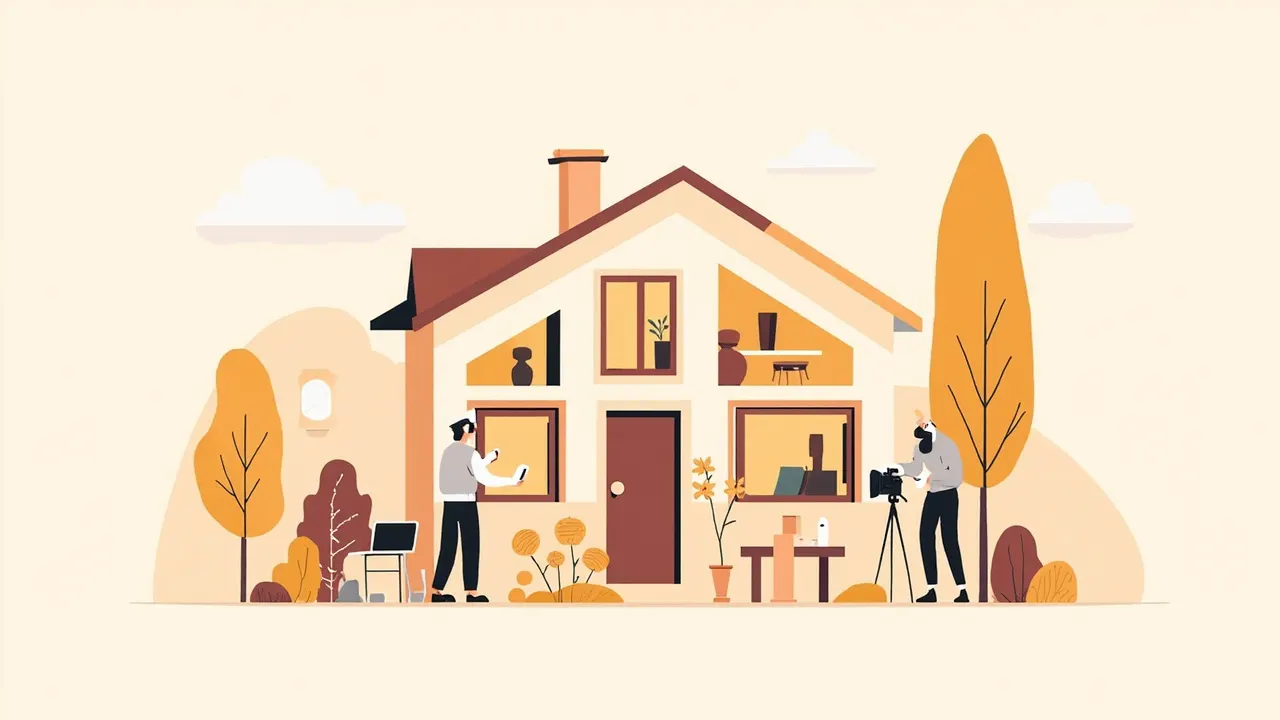
After the main room photo, add a detail that explains one smart feature. That gives buyers useful information without turning the gallery into a catalog of electronics. Keep related features together: the entry keypad with the smart lock, the shades with the living room, or the thermostat with the hallway. The sequence should feel like a walk through the home.
Be honest about what the system does. If one panel controls only the downstairs, do not imply it controls the upstairs. If a feature needs an app or specific setup, buyers can learn that in the listing description. Clear photos answer visual questions, while the description handles the fine print.
Do a quick coldness check
- Stand at the doorway of each photo. Is the first thing you notice a screen, device or colored light? If so, take a cleaner wide shot before using the detail.
- Compare the gallery on a phone and a larger screen. A room that feels warm in person can look blue or harsh online.
- Check the order. Put the room before the control, and put supporting details next to the space they affect.
- Look for anything private, distracting or easy to mistake for a defect, including account names, alert messages and awkward reflections.
This week, pick one active listing and write down its smart features in two columns: what the feature does and where it fits in the home. Then decide which deserve a close-up and which should stay in the background. If a professional is handling the shoot, send them that map before the photo appointment so they know which details deserve a frame.