Screened Porch Listing Photos That Show Space and Views
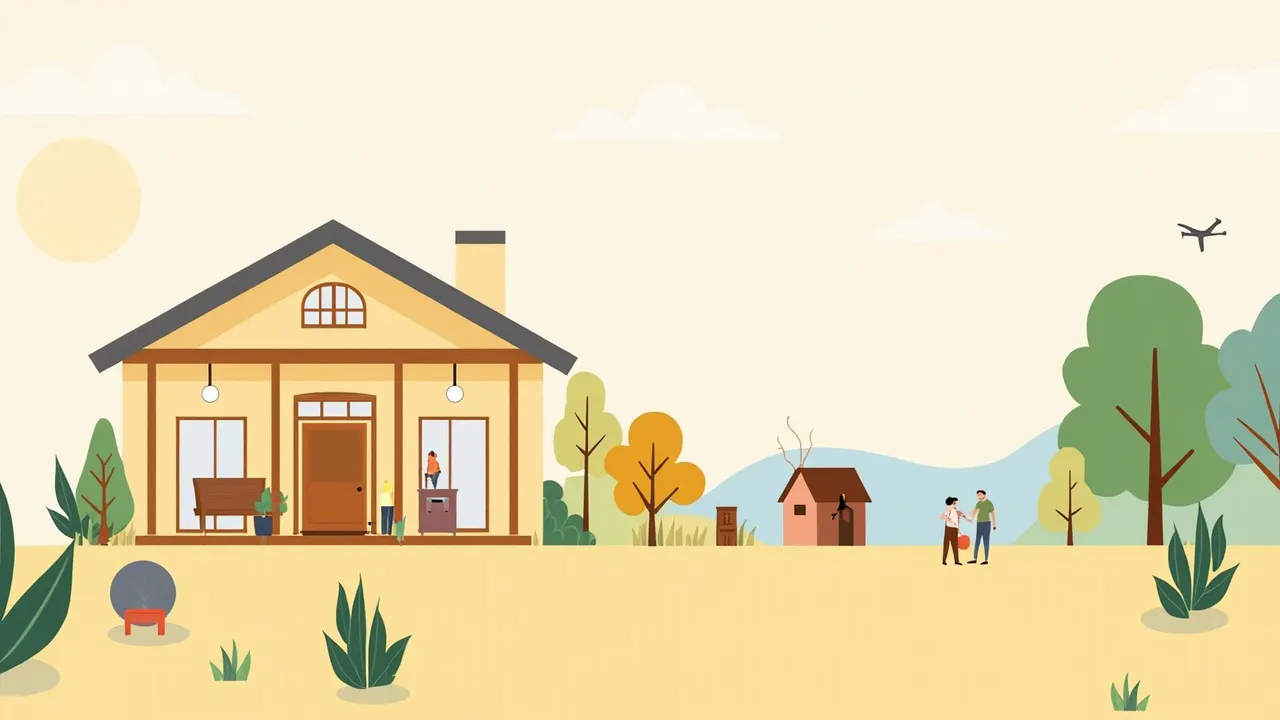
You open the front door and the screened porch catches the daylight. The view is there, but so are the lawn chairs, toy bins, and half-drawn blinds. That mix can make the space feel smaller than it is, especially in listing photos.
Show What the Porch Actually Is
A screened porch does two jobs at once. It is an outdoor room, but it still has walls, a roof, and a clear boundary between inside and outside. Good screened porch listing photos make that function easy to read without turning the porch into a vague patio shot.
- Open the blinds or curtains fully so the shape of the room is clear.
- Remove anything blocking the main sightline, including drying laundry, sports gear, and stacked packages.
- Keep the seating usable, but group it toward one side so the floor plan reads.
- Turn off any ceiling fan for the photos. It will look sharper and will not block the view.
Show the Space, Then the View
Start with a wide shot from near the doorway or a corner. Keep the porch edges, posts, and roofline visible so a buyer can understand the enclosure. If the camera is too close to the screens, the room can look narrow even when it is not.
Once the room is established, take another photo toward the strongest view. Keep part of the screen framing in the shot when it adds context. Cropping every trace of the enclosure can make the image feel like a backyard photo and hide the porch feature altogether.
- Stand far enough back to include part of the floor or seating in the view shot.
- Wipe away visible dirt or marks, but do not catch bright glare in the mesh.
- If a screen panel is bent or loose, point it out to the seller rather than cropping around it.
- Avoid a shot so tight that the outside view becomes the only subject. The buyer still needs to understand where they are standing.
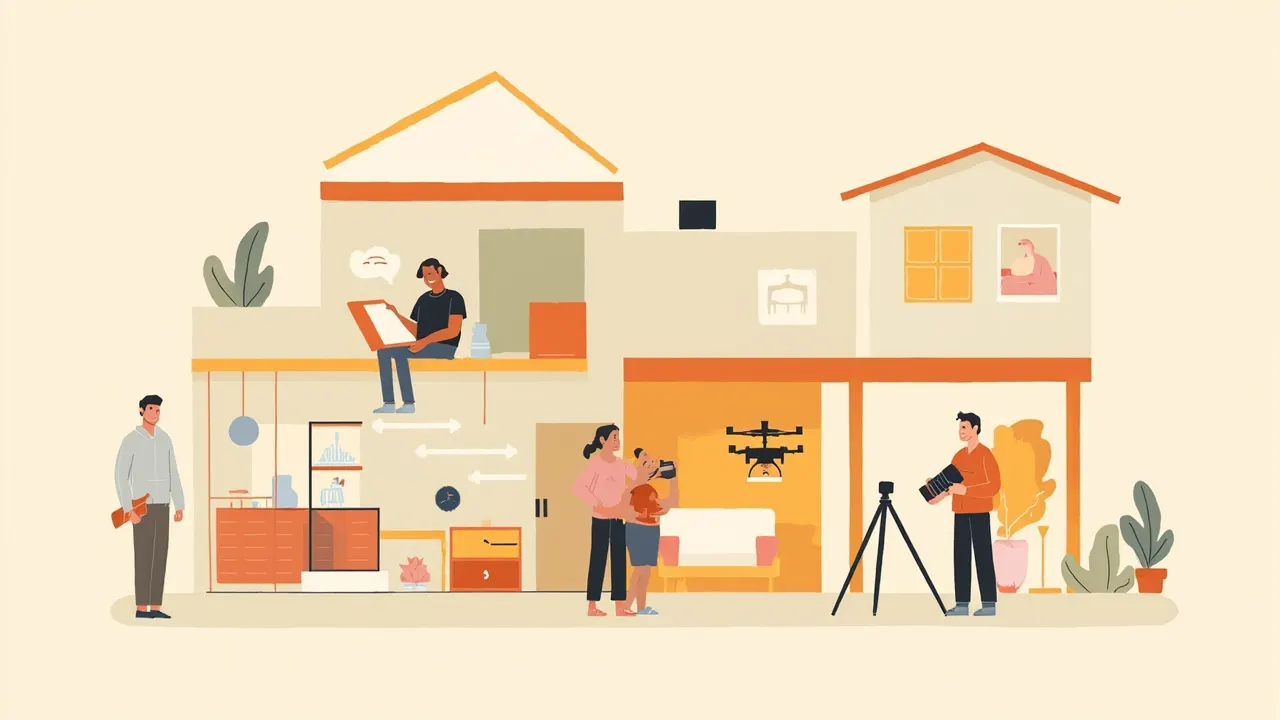
Use a Small Porch Shot List
- A wide view from the door showing the full porch and floor.
- A reverse angle toward the strongest view.
- A seating view showing how the space works.
- Details that define the porch, such as the screen framing, trim, or a built-in bench.
- A clean exterior view showing that the porch is part of the home.
Check the Result on a Small Screen
Review the photos on a phone, not just a large monitor. Look for bright white screens, dark corners, bent lines, and furniture that hides the usable floor area. If the room feels cramped, take another wide shot from a different corner rather than cropping tighter.
EZ Shots serves agents in Wayne, Oakland, and Macomb counties with a $179 Real Estate Media Package that includes interior, exterior, and drone photos. Booking is $0, and payment comes after the shoot once you have seen the gallery.
Before the shoot, walk onto the porch with your phone and take a photo from each corner. If you cannot tell where the porch ends, where the view begins, or how the furniture fits, clear the sightline before the camera arrives. That bit of prep will do more for these listing photos than any filter.