New Construction Real Estate Listing Video: A Polished Walkthrough
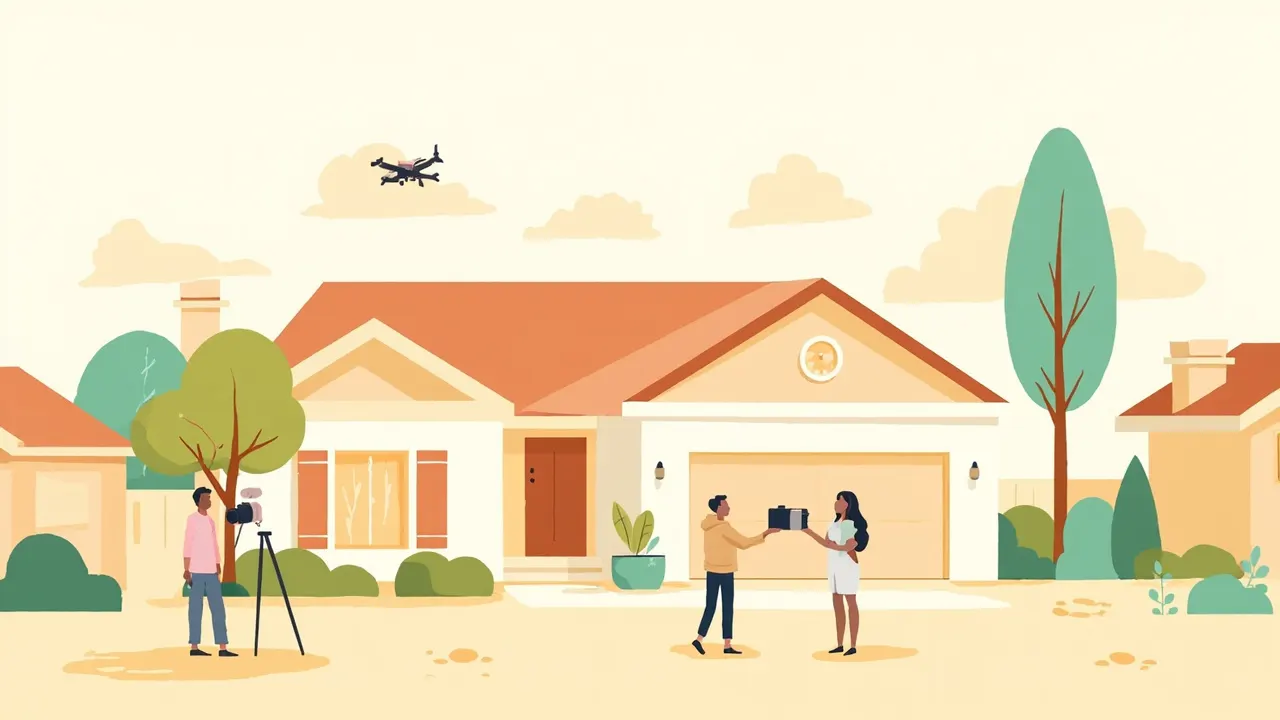
You step through the front door into a bright foyer. The kitchen already has finished cabinetry, installed hardware, and clean counters. That is the moment a new construction listing video should capture, not a quick pass through rooms still full of packaging and builder stickers.
A new construction real estate listing video has a different job from filming a lived-in resale. The house can look brand-new and still feel unfinished on camera. Buyers need to see that the finishes are ready, understand where built-ins fit into the floor plan, and move through the home without getting lost.
Start With a Finish Check
Before you record, walk every room with the listing agent and the person who can confirm the home's finish status. Check that paint, flooring, cabinetry, counters, appliances, doors, trim, and fixtures are installed and clean. If a finish is still being repaired, protected, or waiting on installation, deal with that first rather than letting the camera hide it.
- Remove cabinet labels, appliance stickers, protective film, and leftover packaging.
- Check that counters, hardware, trim, outlet covers, doors, and windows look clean and complete.
- Open blinds and curtains so daylight looks consistent.
- Keep furniture only when it helps show scale. Pull it away from cabinetry and details you want buyers to inspect.
Give Built-Ins Their Own Moment
A wide kitchen shot shows the cabinetry in context, but it may not tell a buyer how deep the pantry is or how a built-in desk works. Those details are easy to miss in still photos and even easier to miss in a fast video.
Give each important built-in two beats:
- Start with a wide view that shows where it sits in the room.
- Move closer for cabinet fronts, shelving, tile, trim, hardware, and appliance details.
- Add one simple action, such as opening a pantry door or extending a drawer.
- Show storage space from the doorway, not from so close that the room disappears.
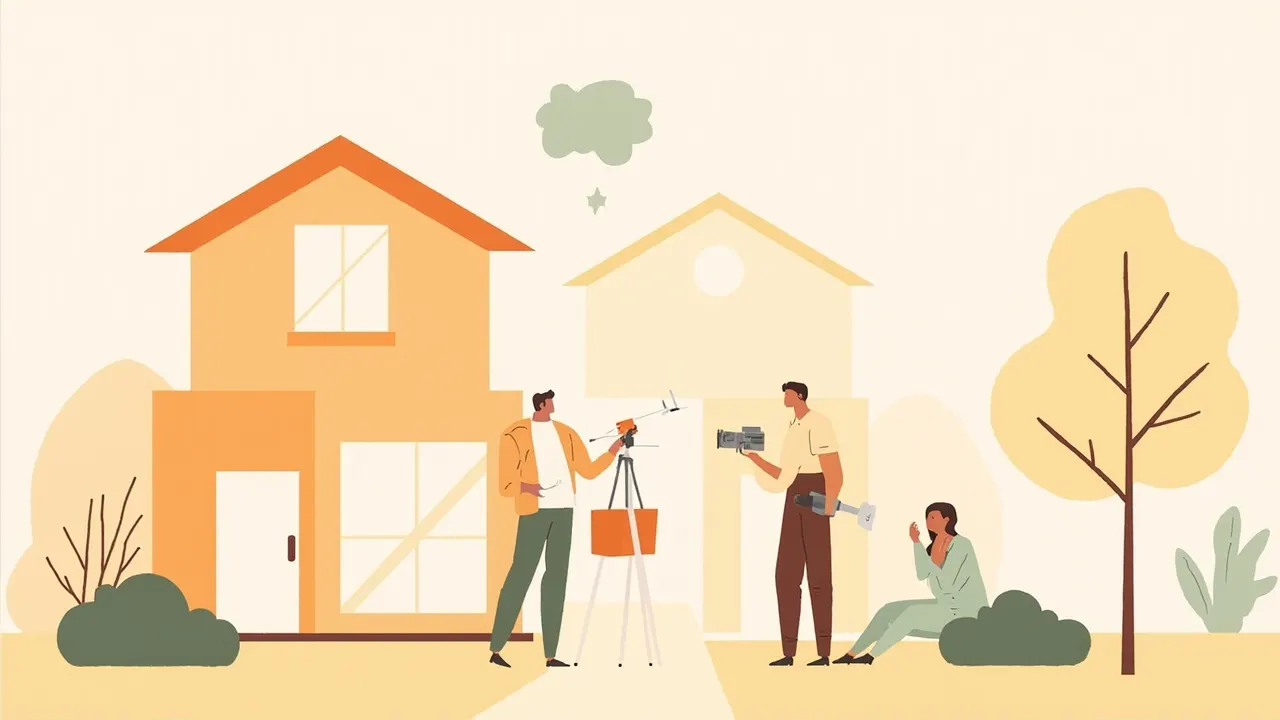
Make the Walkthrough Feel Polished
Use slow, steady movements and keep the camera at a natural eye level. Let a room sit on screen long enough to read its layout. Skip quick turns, abrupt speed changes, and wide-angle shots that make straight lines bend.
The route should be simple: front entry, main living area, kitchen, primary suite, secondary rooms, flexible spaces, then outside. Each move should carry the buyer forward. If you turn from the kitchen toward the hallway, point the camera toward what comes next so the home feels connected.
Polish comes from the small things. Wipe mirrors and glass, clean the camera lens, close laptop screens, hide construction documents, and turn on lights where daylight is weak. Keep the sound simple. A clear voiceover or natural room sound usually works better than constant music and dramatic effects.
A Practical One-Minute Shot Order
- Open with the exterior and front entry.
- Reveal the main living area from the direction buyers will actually enter.
- Move through the kitchen, pausing on finished cabinetry and built-ins.
- Show the primary bedroom, bathroom, and closet.
- Continue through secondary bedrooms, bathrooms, and flexible rooms.
- End outside with one clear next step.
Do a test walkthrough on your phone before the full recording. Watch it without sound, then with sound. If the room order feels confusing, the built-ins vanish on screen, or the exposure jumps when you face a window, fix that before you start.
If you'd rather have the listing gallery and walkthrough produced together, EZ Shots' one-minute video add-on is $100 making the EZ Shots Residential package $279 total. You can book online at $0.