Fair Housing Real Estate Listing Photos: A Visual Compliance Checklist
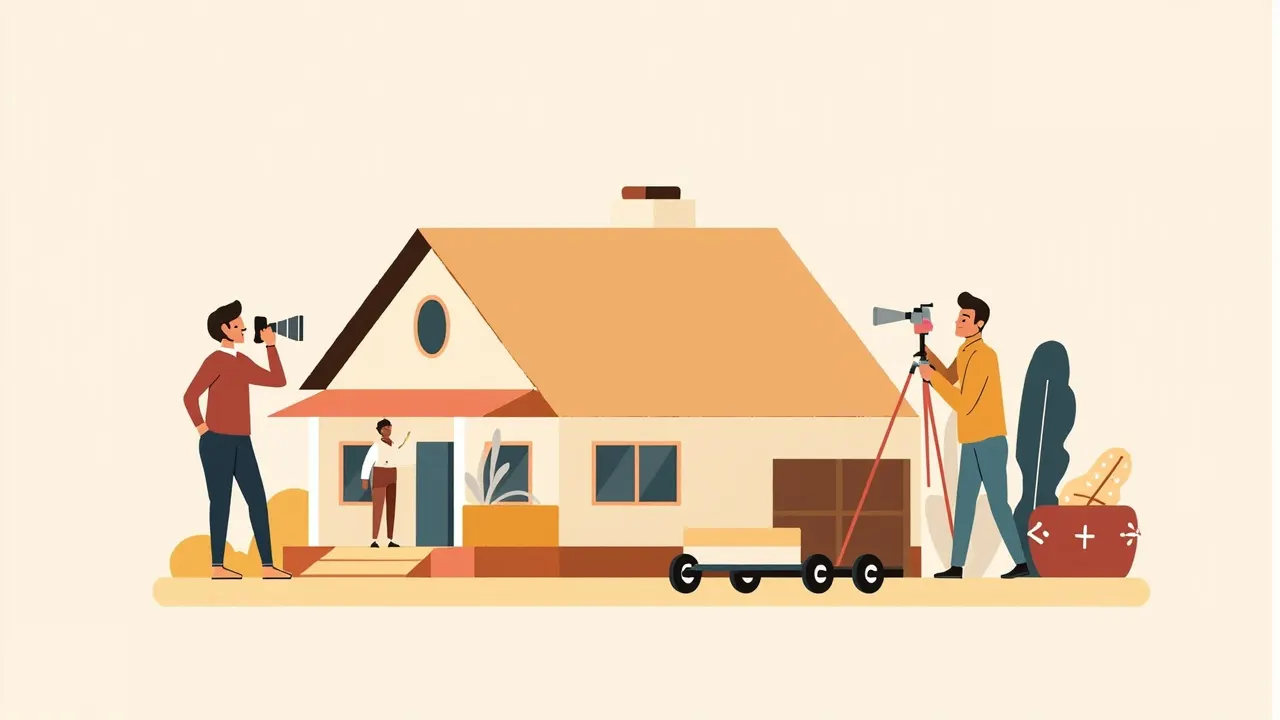
Open the listing gallery on your phone just before publishing. The kitchen looks clean, but then you notice a family portrait above the fireplace, a campaign sign by the front door, and a neighbor's face in the exterior shot. Those are the details that can turn a strong listing into a fair housing review.
Fair housing real estate listing photos need more than a tidy room. A photo can unintentionally send a message about who is welcome or what kind of household is expected. The goal isn't to make a lived-in home look anonymous. It's to show the property accurately without spotlighting personal traits or preferences.
Start with the property, not the people
Ask what each image needs to communicate. Usually, the answer is the room's layout, condition, light, and useful features. Identifiable residents, family photos, and personal items can pull attention away from those things and may send a message about the people connected to the home.
You don't need to make a lived-in home look like an empty model. Just choose the most informative frame and remove distractions that aren't part of the property story.
- Check every interior and exterior image for faces, reflections, and people visible through windows. Crop or reshoot an image when it reveals more than intended.
- Remove private information such as mail, paperwork, school projects with names, diplomas, calendars, and personal photographs.
- Review signs, flags, clothing, artwork, and decor for obvious identity-based messaging. Do not guess a person's identity from appearance.
Avoid creating a picture of who should live there
Vacant-home staging can make this easy to miss. Furnishing a room around one kind of family may send a message about who the seller thinks belongs there, even when each item seems harmless. The same goes for making an occupant the main subject of the photo.
A child, a pet, or a personal photograph can be normal in a home. The problem starts when the image turns identity or household type into the main marketing message rather than showing the property.
- Don't use exterior, drone, or neighborhood images to spotlight the apparent race, ethnicity, religion, family makeup, or disability of nearby residents.
- Do not hide accessibility features because you assume buyers will reject them. Show a ramp, accessible entry, elevator, grab bar, or level floor plainly and accurately.
- Treat children and pets as context, not as the main subject. A child's room can show function without making the child's identity the focus.

Make edits clean, not misleading
Retouching should remove distractions, not rewrite the home. Straighten what is visibly crooked and tidy small blemishes when appropriate. Do not change the apparent size of a room, add square footage, remove a step, replace a view, or conceal an obvious material condition.
- Compare edited photos with the actual room. Appliances, windows, flooring, fixtures, and damage should still look like what a buyer will see.
- Review every blur. It should hide private information, not a feature that affects the property.
- Check drone and exterior images for faces, mail, and other identifying details caught by the camera.
- Make sure color and brightness still represent materials and condition reasonably.
Use a short pre-publish review
Do this week, open the final gallery on a large screen and check it one photo at a time. A quick thumbnail review can hide a sign in a reflection or a face in a window.
- Compare the gallery with your property notes. Flag old images left over from an earlier draft or any finish that no longer matches.
- Scan for people, personal details, identity-based signals, and anything visible through windows.
- Compare interior, exterior, and drone images for accuracy and consistency.
- Send the final set through your brokerage's review process, then publish only the approved gallery.
This is a visual check, not a legal opinion. It doesn't replace the standards your brokerage or counsel applies, but it can catch avoidable problems before buyers see them.
EZ Shots provides professionally edited interior, exterior, and drone photos, giving agents one consistent gallery to review with this checklist in mind.
Before publishing, enlarge the kitchen, entry, exterior, and drone shots, then check for faces, signs, and private details.