Duplex Listing Photos for Sale: Separate Units and Shared Areas
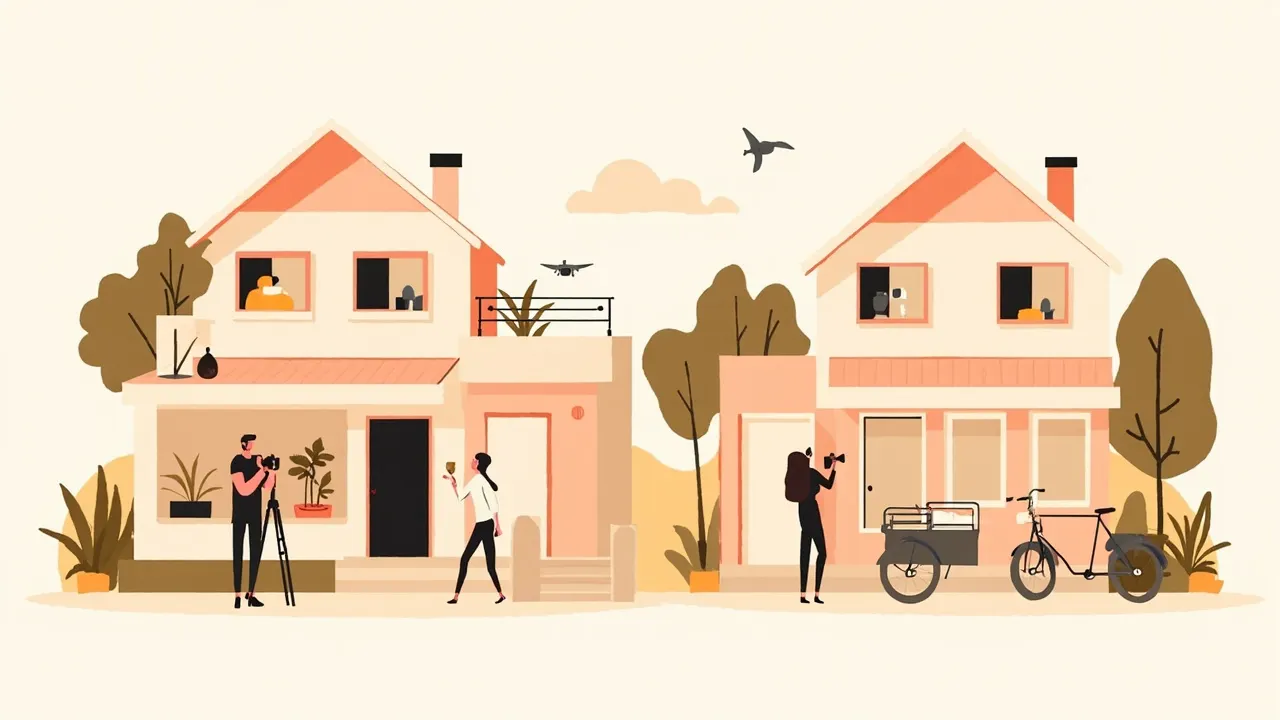
You pull up to a duplex, see two front doors, and wonder which photos belong with each home. Then a buyer opens the gallery and finds a kitchen, living room, backyard, and bathroom without knowing whether they are looking at one unit or both. Good duplex listing photos for sale should remove that uncertainty.
Make each unit obvious
Start with an exterior view that shows the entire building, then photograph each entrance from the street. Keep the doorway, steps, path, and unit number in the same frame when you can. That gives buyers an easy visual link between what they see outside and the rooms they see inside.
- Place a simple card marked Unit A or Unit B just inside each entrance for one establishing shot, then remove it before shooting the rooms.
- Use the same labels in file names and captions, such as A-entry, A-kitchen, B-bedroom, and shared-entry.
- If one entrance is hidden or shared, take a photo that makes the route to each unit obvious.
Keep each unit's story intact
Don't mix the first bedroom from one unit with the kitchen from the other. Give each buyer a clean path through the complete unit they are considering, including private outdoor space, storage, and any access quirks that affect daily living.
The order should stay consistent between units. Exterior door, main living area, kitchen, bedrooms, bathroom, then private extras. If one side has a different layout, show the transition clearly instead of relying on buyers to compare two similar-looking rooms.
Separate shared spaces from private ones
Shared areas need their own group in the gallery. Photograph any shared entrance, stairs, parking, utility areas, and other common spaces from a position that shows how someone moves through them. If there are two routes to the backyard, make each route understandable.
- Use one wide view before any close-up so the shared area does not look like a disconnected room.
- Avoid angles that make a common hallway resemble a private living room.
- Label shared areas as shared in captions, especially when they contain features buyers might assume belong to a unit.
Review the gallery like a buyer
Before publishing, check one thing: can you point to the unit every photo belongs to? Can you tell where each entrance leads? If not, you may need a missing establishing photo rather than a different edit.
- Group the photos by unit and place shared areas in a separate group.
- Read the captions without relying on the listing description.
- Ask another person to identify each unit from the photos alone.
- Check that the first shared-area photo explains how the two units are reached.
If you would rather hand the shoot off, EZ Shots includes interior, exterior and drone photos in its EZ Shots Residential package. It is $0 to book, and you pay after the shoot once you've seen the gallery.
This week, open your next duplex listing on your phone and point to the unit each photo belongs to. If one takes more than a second, add a clear entrance shot or a consistent caption before the listing goes live.